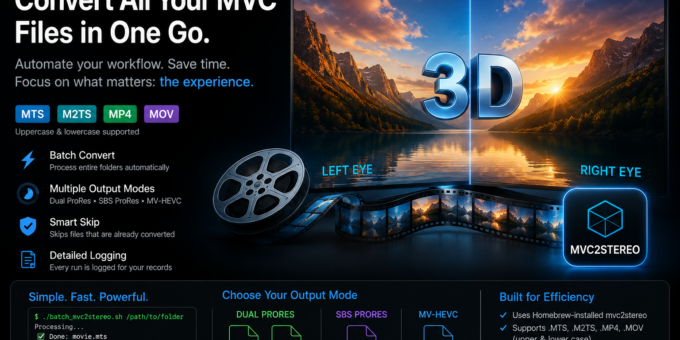
A new macOS command-line tool, mvc2stereo, is now available for stereoscopic 3D filmmakers, archivists, researchers, and post-production users.
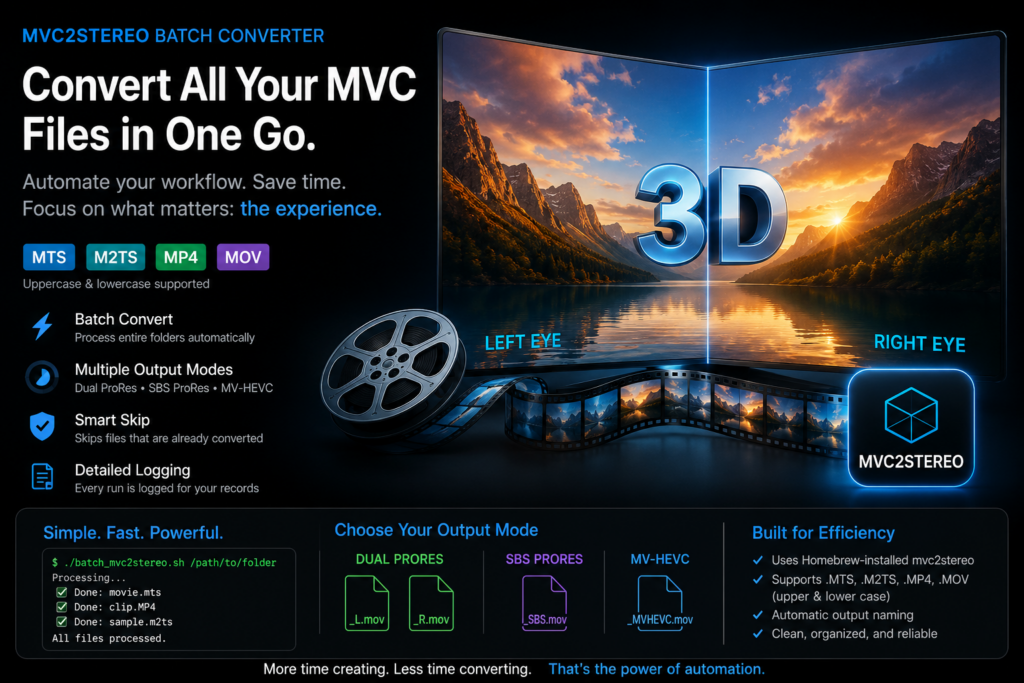
The tool converts MVC H.264 stereoscopic 3D video into modern editing and delivery formats such as Side-by-Side ProRes, dual left/right ProRes files, and MV-HEVC / H.265 QuickTime movies.
MVC, or Multiview Video Coding, was widely used by many 3D camera systems, including cameras such as the Sony NX3D, Sony TD20, and selected JVC 3D cameras. Although many of these files can still be opened today, modern software often recognizes only the base 2D image and ignores the second eye.
mvc2stereo solves this problem by extracting and decoding both stereo views and converting them into formats that are easier to use in current workflows.
Designed for Practical 3D Production
The software was developed from real production needs: converting stereoscopic 3D camera footage for editing, projection, archiving, and modern spatial video workflows.
It supports several important use cases:
- converting legacy MVC camera recordings
- preparing 3D footage for DaVinci Resolve
- creating side-by-side ProRes files for editing and review
- creating separate left/right eye masters
- creating MV-HEVC files for modern stereo and spatial video experiments
- batch converting complete folders of 3D camera material
The tool has already been used in stereoscopic 3D education and production workflows, including films produced for the big 3D cinema screening connected to the Busan International Short Film Festival.
Batch Conversion for Real-World Workflows
A simple batch script is also available. It allows users to process complete folders automatically.
The script supports common MVC source extensions in upper and lower case:
.MTS, .mts, .M2TS, .m2ts, .MP4, .mp4, .MOV, .mov
It can skip files that have already been converted, write a timestamped log file, and generate output in the selected mode.
This makes it useful for large camera archives, workshop material, festival productions, and overnight conversion tasks.
Installation on macOS
Mac users can install the tool through Homebrew:
brew tap stereo3d/tools
brew install stereo3d/tools/mvc2stereo
Basic usage:
mvc2stereo input.MTS –mode sbs-prores
mvc2stereo input.MTS –mode dual-prores
mvc2stereo input.MTS –mode mv-hevc
Batch conversion:
chmod +x batch_mvc2stereo.sh
./batch_mvc2stereo.sh /path/to/folder
DaVinci Resolve Workflow
Converted files can be imported into DaVinci Resolve.
For side-by-side ProRes files, users can set the stereoscopic format in Clip Attributes and use Resolve’s stereo 3D editing tools.
Some MVC source files are interlaced. In those cases, users should also check the clip attributes and set the correct field order manually if needed. DaVinci Resolve includes excellent deinterlacing tools, including Neural Engine-based processing on supported systems.
MV-HEVC output is usually recognized directly by compatible software, although interlaced interpretation may still need to be checked depending on the original source.
Preserving Stereoscopic 3D Material
Many important stereoscopic 3D recordings exist in formats that are no longer well supported. mvc2stereo helps make this material usable again.
The goal is simple: make MVC 3D video accessible for editing, preservation, projection, and future immersive media workflows.
Project page:
https://github.com/stereo3d/mvc2stereo
More details can be found on:
https://www.spatialmedia.dev/articles/mvc2stereo/mvc2stereo.html